A privacy-focused photo vault.
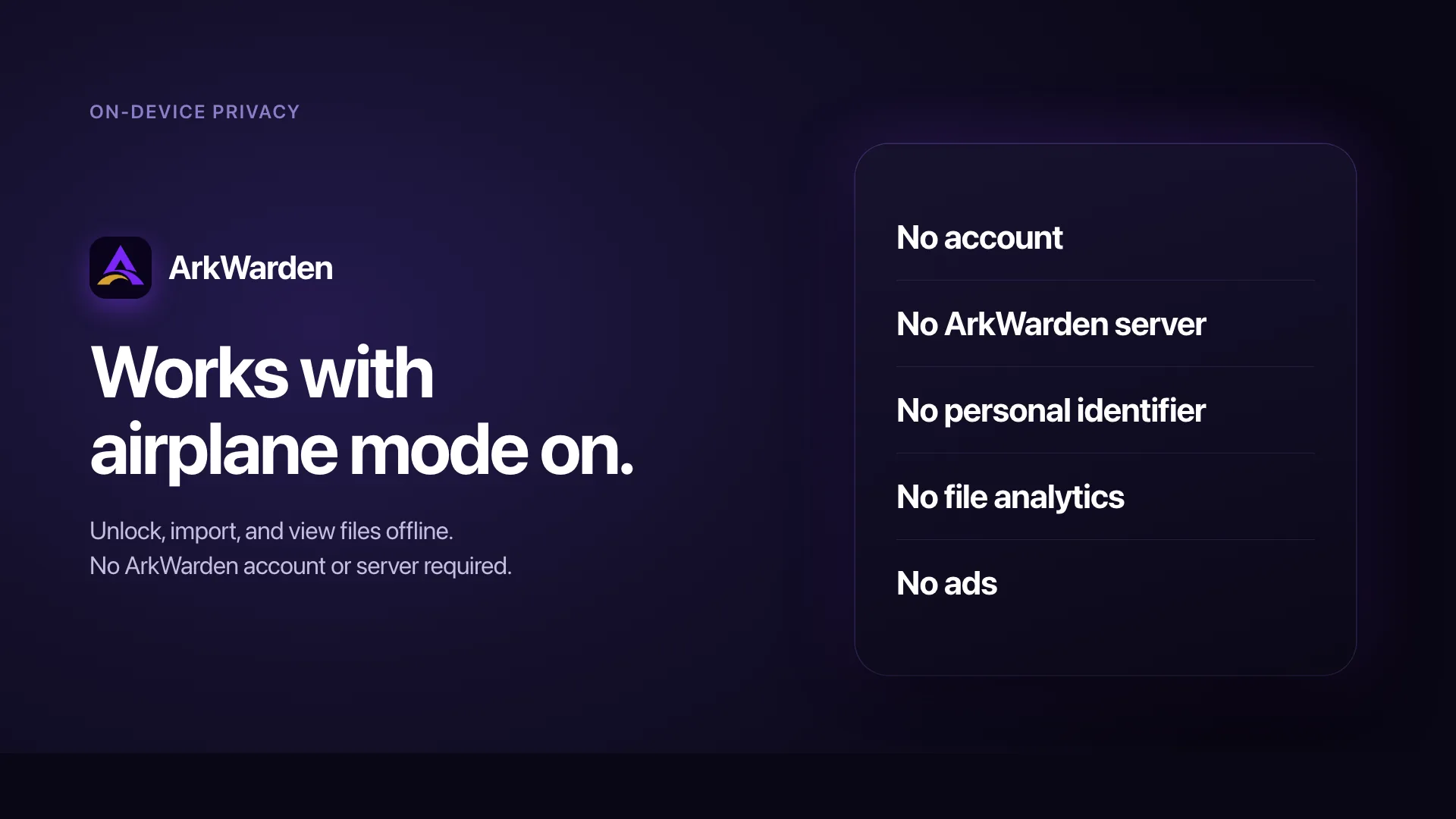
No account. No server. No personal identifier.
ArkWarden is a privacy-focused photo and file vault for iPhone. It encrypts your files on the device. No account or server is required to store or unlock your vault, and ArkWarden cannot access your files, pattern, master key, or recovery phrase.
Cloud backup is optional and off by default. If you enable it, ArkWarden encrypts the backup on your iPhone before sending it to your iCloud account. You can also export an encrypted backup file.
Accounts to create.
No email. No sign-in.
Servers we operate.
Nothing to maintain.
Access to your
encryption key.
What makes this photo vault privacy-focused.
| Privacy question | ArkWarden |
|---|---|
| Where are vault files stored? | Encrypted in ArkWarden's private container on your iPhone |
| Is an account required? | No |
| Does a server store or unlock the vault? | No |
| Can ArkWarden access vault files or keys? | No |
| Is cloud backup required? | No. It is optional and off by default. If enabled, the backup is encrypted on your iPhone before it is sent. |
| Can the encryption code be inspected? | Yes. ArkWarden's core encryption code is open source. |
What runs locally, and what does not run at all.
On-device privacy is not a setting in ArkWarden. It is how ArkWarden is designed. Everything runs on your iPhone, with no server involved.
You set up your vault, on the device
When you first open ArkWarden, the entire setup runs locally. You draw a pattern, ArkWarden generates a random salt for your vault, creates a random master key, and wraps that master key so your pattern and Secure Enclave can unlock it. ArkWarden also generates your BIP-39 recovery phrase from the iPhone's secure random source and shows it on screen.
None of this uses the network. There is no account creation step. There is no email verification. There is no "creating your secure cloud vault" progress bar, because no cloud vault is being created. The vault is created on your iPhone, by your iPhone, using your iPhone's hardware.
You add files, on the device
When you import a photo, video, document, or audio file into your vault, ArkWarden encrypts it on the iPhone before writing it to its private storage area. The original file in your Photos library or Files app is your decision to keep or delete. ArkWarden does not silently copy your originals anywhere.
To remove the originals for good, see how to permanently delete photos on iPhone.
The encrypted file is stored in ArkWarden's own sandboxed directory, where only ArkWarden can read it. iOS enforces this boundary at the operating-system level. The file does not appear in your Photos library, does not appear in your Files app outside the ArkWarden share sheet, and is not visible to other apps.
You unlock, on the device
Every unlock runs locally. You draw your pattern. ArkWarden runs the unlock calculation with your pattern and Secure Enclave. The master key unlocks or the attempt fails. The full sequence completes without a network request.
The same is true for second-factor verification. Face ID and Touch ID run inside the Secure Enclave on your iPhone. The PIN, if you set one, is checked against the copy stored on your device. The YubiKey, if you registered one, communicates directly with your iPhone over NFC. None of these factors are sent to a server.
You close the app, and the key disappears
When you lock ArkWarden or close the app, the master key is released from memory. It is not cached on disk, not given to iOS background storage, and not stored for the next unlock. The next time you open the app, you draw the pattern again, unlock runs again, and the master key comes back into memory.
There is no "you are still signed in" state that survives across sessions. There is no auto-login, because there is no login.
Why "no server" is structurally different from "encrypted in the cloud."
Many products use privacy language. These phrases can describe very different architectures. The one ArkWarden uses is the simplest and the strictest: no server is involved. ArkWarden has no servers. Your keys and your pattern never leave the device.
| Cloud vault with "zero-knowledge" claims | App with account and server-side encryption | Apple Hidden album | ArkWarden | |
|---|---|---|---|---|
| Account required | Yes | Yes | No separate account; uses the Apple Account when iCloud Photos is on | No |
| Server holds your encrypted files | Yes | Yes | If iCloud Photos is on | No ArkWarden server. Optional encrypted backup can sit in your iCloud. |
| Server holds your key or a recovery path | Sometimes | Often yes | Apple holds Photos keys unless Advanced Data Protection is on | No. The key only exists when you draw your pattern. |
| Can a court order produce your data? | Yes, encrypted files at minimum | Yes | Apple may be able to provide iCloud Photos data under standard data protection; ADP changes key access. | No. ArkWarden does not have your vault data. |
| What happens if the provider is breached | Encrypted files expose | Often credentials and data are both exposed | Affects your Apple account broadly | Nothing. There is no provider database to breach. |
| Works fully offline | Sometimes, with cached data | Often no | Yes | Yes. Fully, always. |
Hiding a photo does not decide whether it is in iCloud. iCloud Photos on versus off, iCloud Backup, and Advanced Data Protection are separate settings. ArkWarden has no server. If you turn on optional backup, an encrypted copy can sit in your iCloud, and only you hold the recovery phrase. More: Do hidden photos sync to iCloud? and how to find hidden photos.
No server is structurally different from "encrypted on a server."
A server holding your encrypted data can still be breached, subpoenaed, mismanaged, sold, or repurposed. Even when the provider does not hold the keys today, the database might still expose metadata that is sensitive on its own: file sizes, timestamps, access patterns, account email addresses, billing identifiers. ArkWarden removes the question entirely by removing the server. There is no database to breach, no metadata record to subpoena, no billing record tied to your vault. Read how ArkWarden's encryption works at the technical level.
No account means no identity to compromise.
Most apps that protect your data still link it to an identity: an email, a phone number, an Apple ID. That identity creates a permanent link back to you, and it becomes the data point affected by any future incident. ArkWarden has no sign-up, no login, no recovery email, no user record. The app on your iPhone does not know who is using it, and neither do we. Access is controlled entirely by your pattern and your recovery phrase.
Local-only also means it works the same on a plane, on the train, in a basement.
Because nothing about ArkWarden depends on the network, nothing about ArkWarden changes when the network changes. Poor signal, airplane mode, or no connection at all does not affect your ability to unlock the vault and use it. The same is not true for products that depend on a server confirming what your phone says.
Where each piece of data is stored, and where it can go.
The clearest way to understand on-device privacy in ArkWarden is to look at every meaningful piece of data and ask: where is it stored, and where can it go. See the full security overview.
What is stored on your device
| Item | Where | Who can read it |
|---|---|---|
| Your encrypted files | ArkWarden's private sandbox, encrypted with AES-256-GCM | Only ArkWarden, only on this device, only with the right unlock |
| Your vault metadata (category names, file titles, ordering) | Same private sandbox, encrypted with ChaCha20-Poly1305 | Same. No key, no readable index. |
| Your encrypted master keys (pattern path and phrase path) | iOS Keychain, encrypted at rest by your device's Secure Enclave, the same standard protection every Keychain item gets | Only ArkWarden, only on this device, only while the device is unlocked |
| Your per-vault salt | iOS Keychain | Same |
| Your YubiKey registration, if you set one | Stored on device | Only ArkWarden. The signing key never leaves the YubiKey itself. |
| Your Wing pattern, key, and identity, if enabled | Stored on device, separately from the main vault | Same as above |
What is never stored anywhere, ever:
- Your recovery phrase, in plaintext, after the moment it was shown to you during setup
- Your pattern, in any form a person could read
- Your master key while the app is locked. It exists in memory only during an active session.
- Any plaintext version of any file in your vault, except in the moment you are actively viewing it
The hardware that makes this practical
The iPhone has security hardware that makes this practical, not just a design choice. Two pieces matter most for ArkWarden:
The Secure Enclave. A dedicated security chip, separate from the main processor, present in every iPhone supported by ArkWarden. It is what encrypts the iOS Keychain at rest. Every item in the Keychain gets this protection, including your encrypted master keys.
Device-locked accessibility. ArkWarden stores its key material with the iOS accessibility class that makes Keychain data unavailable while the device is locked and prevents migration to a different device via iCloud restore. Your encrypted keys are local in a strict, enforceable sense, not just a policy preference.
ArkWarden does not invent custom cryptographic primitives or bypass Apple's frameworks. All cryptographic work runs through Apple's CryptoKit and the underlying hardware. We use the platform the way it was meant to be used.
Encrypted before the cloud
ArkWarden does not sync your vault between devices. Your vault is stored on your device.
Optionally, your encrypted vault can be backed up using iCloud or exported as a file. Encryption happens on your device before any data leaves it, and your encryption key never leaves your device.
This separation is deliberate. Cloud services may store encrypted backup data, but they never receive the keys needed to decrypt it.
The tradeoff is clear: if you disable backups and lose your device, your files cannot be recovered by anyone. Your recovery phrase restores access to your vault and keys, but it cannot restore files that were never backed up.
What people usually ask next.
Do I need to create an account to use ArkWarden?
Can ArkWarden see what is inside my vault?
Does the app work offline?
What happens if ArkWarden shuts down tomorrow?
Can someone access my vault by logging in from another device?
Is iCloud backup of my vault possible?
Does ArkWarden have any way to recover my data if I lose access?
Is ArkWarden zero-knowledge?
Can my employer's MDM profile read inside my vault?
What makes ArkWarden a privacy-focused photo vault?
Situations where on-device privacy matters.
Privacy you
can verify.
Your vault exists only on your iPhone. ArkWarden does not require an account, store your data on a server, keep copies of your keys, or automatically sync your files. Your device holds your data. The encryption protects it. You stay in control.

Point your camera at the code.