Sort your files into folders,
inside each category.
A category holds files of one kind. Inside it, you create folders and sort your files into them. Drag a file onto a folder to move it in, or import files directly into a folder. Folders are stored in your encrypted vault, like everything else, so sorting your files does not change how they are protected.
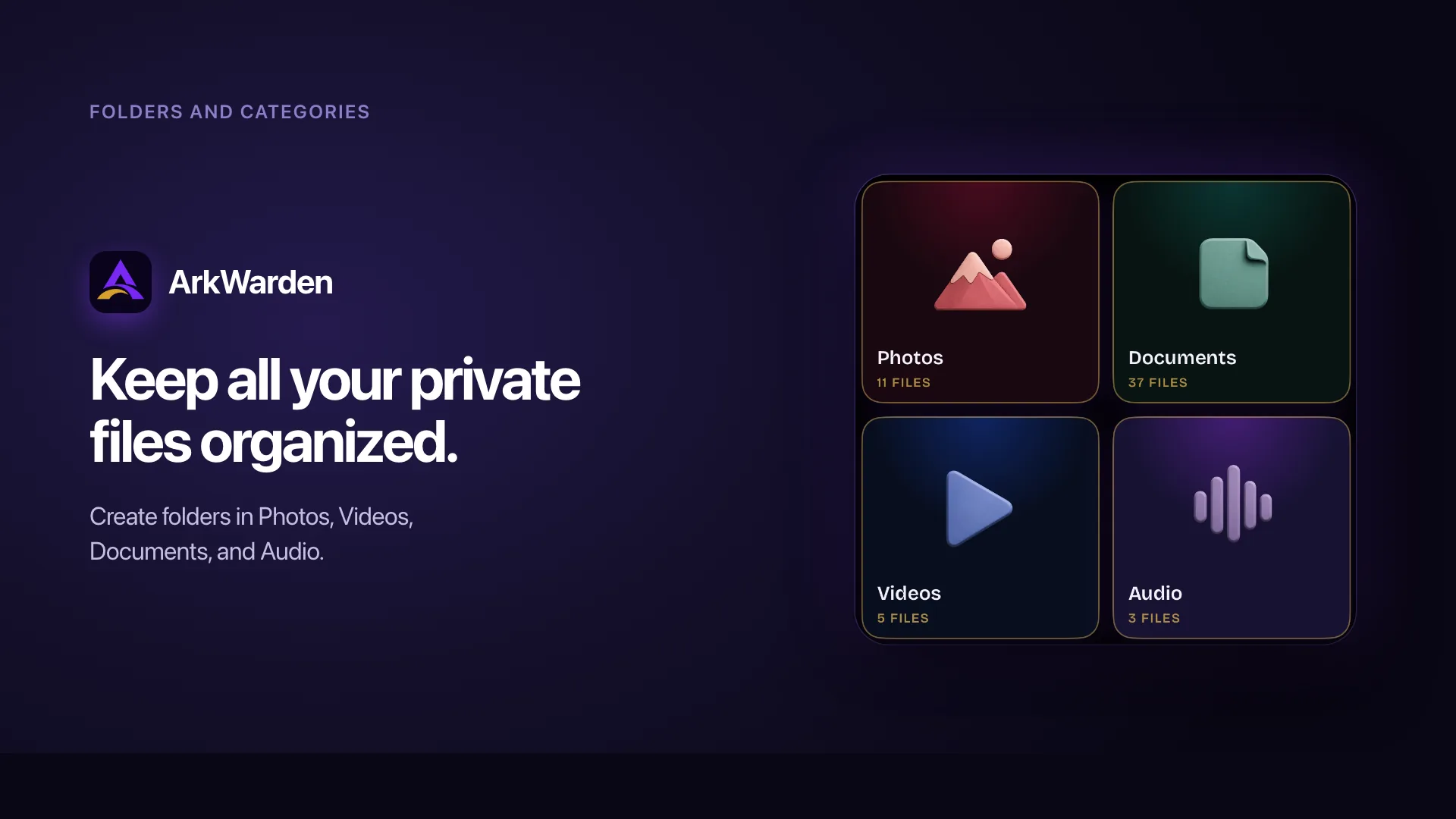
Categories
The top level of your vault: photos, videos, documents, audio. Each one holds files of its kind.
Folders
Your own groups, created inside a category. Name a folder and put related files in it.
Files
The things you keep. A file is either at the top level of a category or inside one of its folders.
Two levels: categories on top, your folders inside.
A category holds files of one kind: photos, videos, documents, audio. Inside a category, you create folders and sort those files into them. A file is either at the top level of a category or inside one of its folders. All of it stays in the same encrypted vault.
Open a category and create a folder
Folders always sit inside a category, so you create them from within the category you want them in. Open the category, tap the plus button, and choose New Folder. Give it a name, and it appears at the top of the category, above the files.
You can create as many folders as you need inside a category. A folder shows how many files it holds, or "Empty" when it has none yet.
Put files into a folder
There are two ways to fill a folder:
- Drag a file in. Press and hold a file, then drag it onto a folder. The folder lights up as you hold the file over it, and letting go moves the file in.
- Import directly into the folder. Open the folder, tap the plus button, and import from there. The new files go directly into that folder.
Either way, the file itself does not change. Moving it into a folder only changes where it appears in your vault, not the encrypted file on disk.
Rename or delete a folder
Press and hold a folder to rename or delete it. Renaming changes the name only. Deleting a folder also deletes the files inside it, so ArkWarden asks you to confirm first and tells you how many files will go. If you want to keep those files, move them out of the folder before you delete it.
Sort and lay out a category
Inside a category, you can sort files by newest, oldest, smallest, largest, or name, and switch between one, two, three, or four columns of thumbnails. Folders group what belongs together, and the sort and column count set how the rest is shown.
Your folders stay inside the vault.
In an ordinary photo or file app, your folder names show up in the system file browser, so the way you sort your files is visible there. In ArkWarden, folders are part of the encrypted vault. The folder names and the way you grouped your files are encrypted too, so nothing about your sorting can be read from outside the vault.
A folder is a label, not a second copy
Putting a file in a folder does not copy it or encrypt it again. The file stays exactly as you imported it, encrypted with AES-256-GCM. The folder is recorded in your vault's index, which is also encrypted. So sorting your files is fast, and it never changes or weakens the encryption on any file.
Categories and folders work together
Categories give you a top level by kind: photos, videos, documents, audio. Folders let you make your own groups inside each one. You decide how far to take it. You can skip folders and never make one, or, with a large vault, make folders in every category and keep hundreds of files in order.
Your folders are part of the backup
Folders sit in the encrypted index, so they are part of the vault itself. They are protected by the same pattern that opens everything else, and they are included when your vault is backed up. After you restore, your files come back sorted the way you left them.
What people usually ask next.
How do I create a folder?
How do I move a file into a folder?
What happens to the files when I delete a folder?
Can I rename a folder after I make it?
Are folders encrypted like the rest of my vault?
Can a folder go inside another folder?
Are my folders included when I back up my vault?
Situations where folders help.
Keep a large vault
in order.
Create folders inside each category. Drag a file onto a folder to move it in, or import files directly into a folder. Your folders are stored in the encrypted vault, protected by the same pattern as everything else, so sorting your files does not reduce your privacy.

Point your camera at the code.